Identify an Amiibo by tapping it
Hold an Amiibo figure to the top of your iPhone and Klepto reads its chip.
Amiibo figures carry an NFC chip. Klepto reads it and looks the figure up — no photo, no barcode. iPhone only: iPad has no NFC reader.
Turn on the button
- Settings → Display.
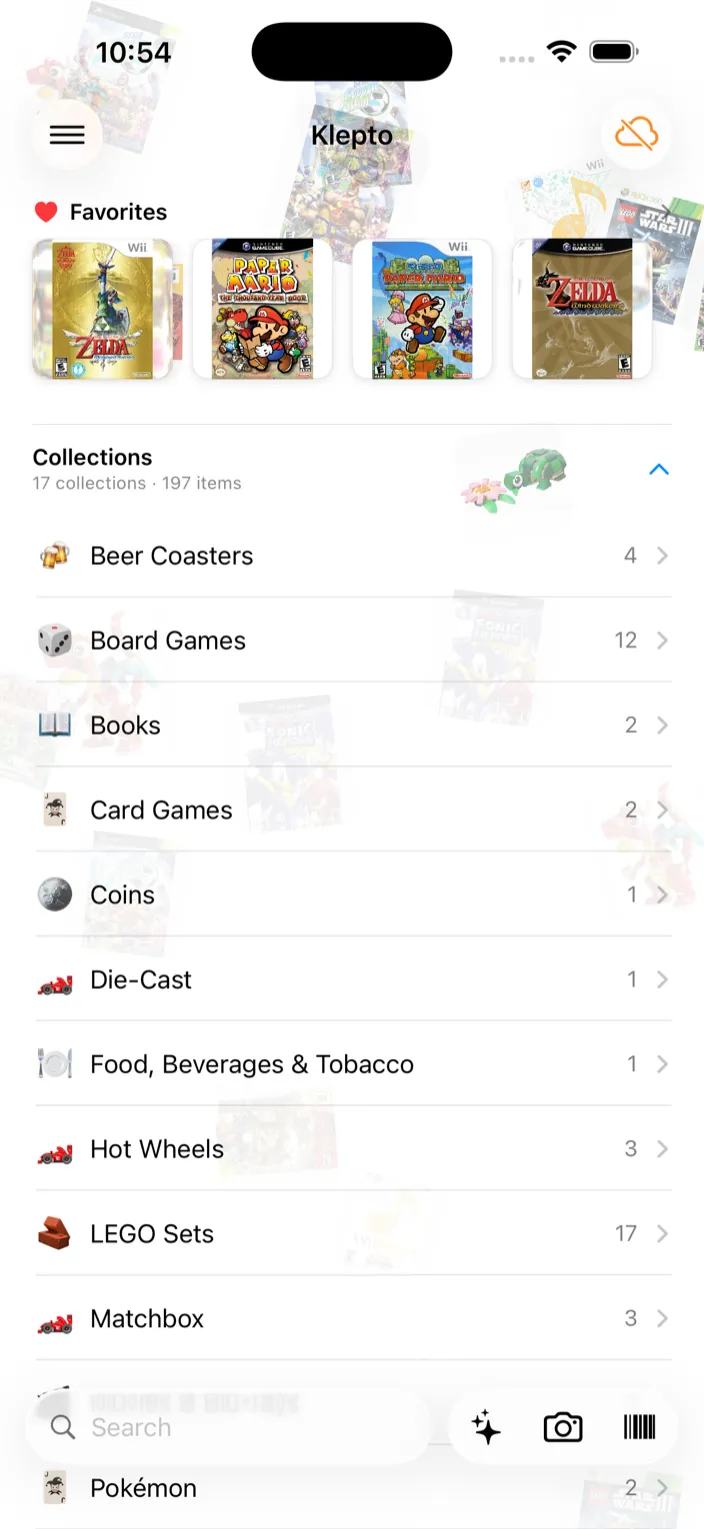
- Turn on Show Amiibo tile. An Amiibo NFC button joins the bar at the bottom of the screen, next to the camera and barcode buttons.
Tap a figure
- Tap Amiibo NFC. iOS shows Hold your iPhone near the Amiibo.
- Hold the base of the figure against the top edge of your iPhone.
- The item card appears with the figure identified. Tap Add to Collection.
Tips
- If the tap doesn’t register, move the figure slowly across the top of the phone. The reader is a small patch near the camera.
- Amiibo cards work the same way as figures.
- If Klepto reads the chip but can’t match it, it says so. Add the figure by hand instead.